 USD
USD EUR
EUR GBP
GBP CAD
CAD AUD
AUD HKD
HKD JPY
JPY KRW
KRW SGD
SGD NZD
NZD THB
THB TWD
TWD 繁體中文
繁體中文 日本語
日本語 한국어
한국어 English
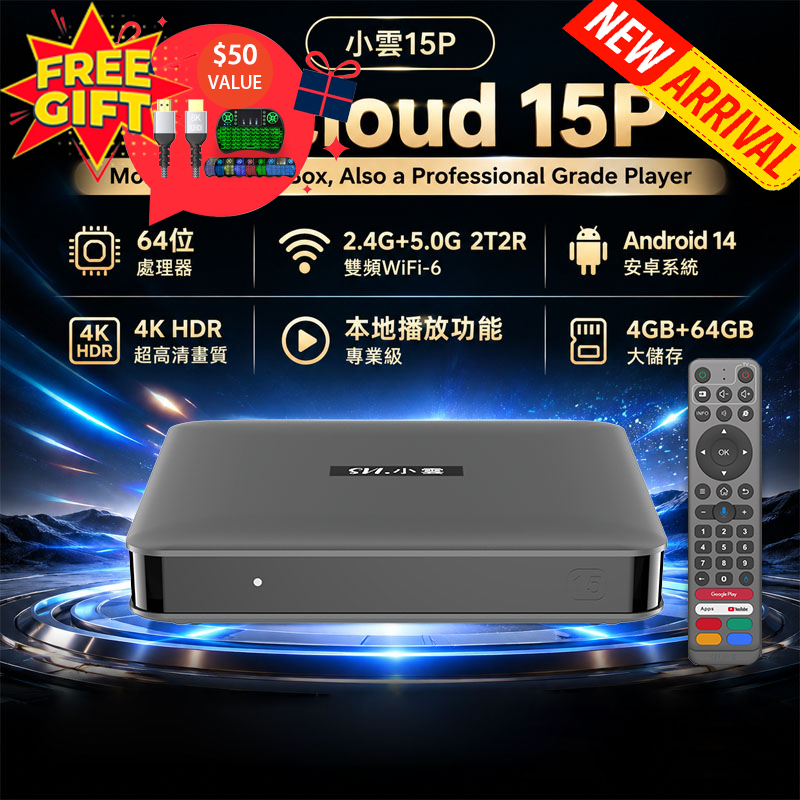


Download Center - Smart TV Box
Welcome to the Download Center! Here, you can find all the necessary applications for your Smart TV Box, as well as instructions on how to install them. Please read the important notes carefully before proceeding with any downloads.
⚠️Important Notes:
✅Network Connectivity:
This product is designed to connect to the internet, and all applications downloaded and installed by users come from online sources.
✅Content Legality:
We are not responsible for the correctness or legality of content in third-party applications.
It is important to comply with the laws and regulations of your region when using any third-party apps.
Please avoid installing or using applications that may contain illegal content, such as pornography, violence, or copyrighted materials.
✅No Illegal Programs Included:
Our products do not come with illegal programs, links to illegal content, or instructions for accessing illegal videos. All Smart TV Box products are sold legally and adhere to local laws.

ℹ️How to Install Set-Top Box Applications on Your Android Box
To help you get the most out of your device, we've outlined the installation procedures for several popular TV box applications. Follow the appropriate instructions based on your device model.
1. EVPAD TV Box App Installation:
For EVPAD models such as 12P, 12S, 11P, 11S, 10P, 10S, 6S, 6P, follow these steps:
✅️Step 1: On your EVPAD device, go to the homepage.
✅️Step 2: Using the remote control, enter "6868".
✅️Step 3: Download and install the app with just one click.
Alternatively, you can download apps directly from the following links, depending on your EVPAD model:
➡️http://6868jx.shop (For 12P, 12S, 11P, 11S, 10P, 10S, 6S, 6P models)
➡️http://6868hx.com (For 5S, 5P, 5Max, or earlier models)


2. UnblockTech TV Box App Installation:
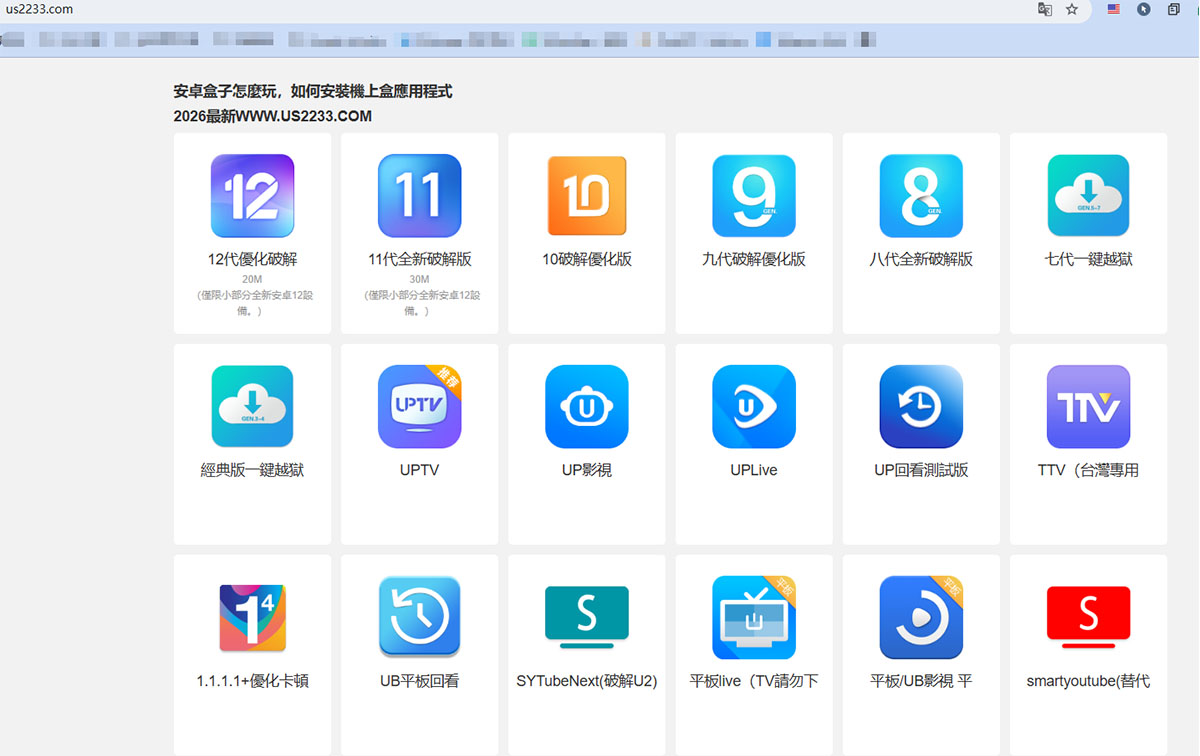
➡️Step 1: Open the Chrome app on your TV box.
➡️Step 2: Enter "us2233.com" in the Chrome browser.
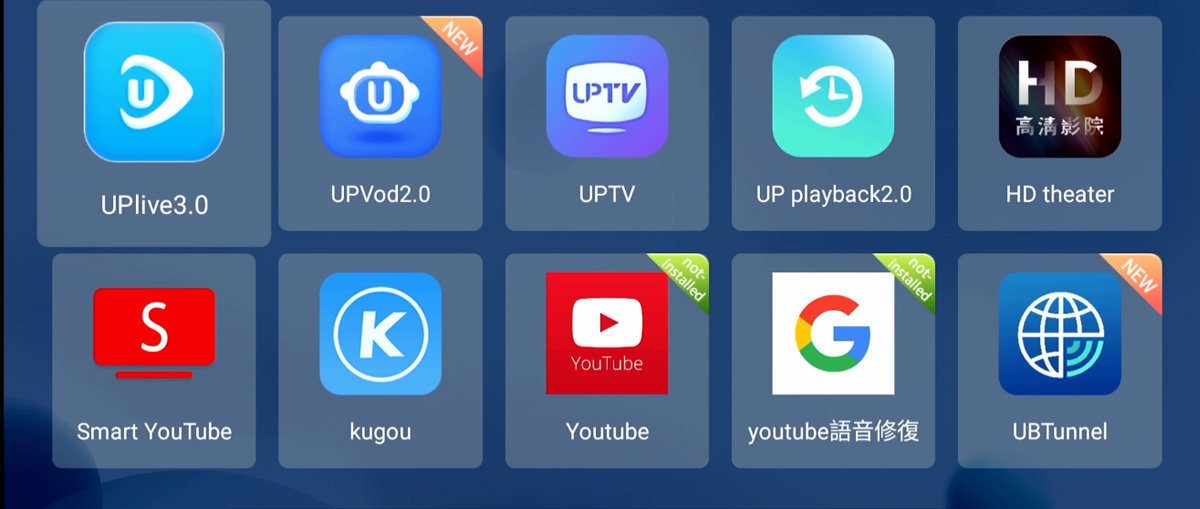
➡️Step 3: Choose the appropriate UBox app based on your model.
❤️Note: UBStrawberry is for 18+ adults (Password: 1818).
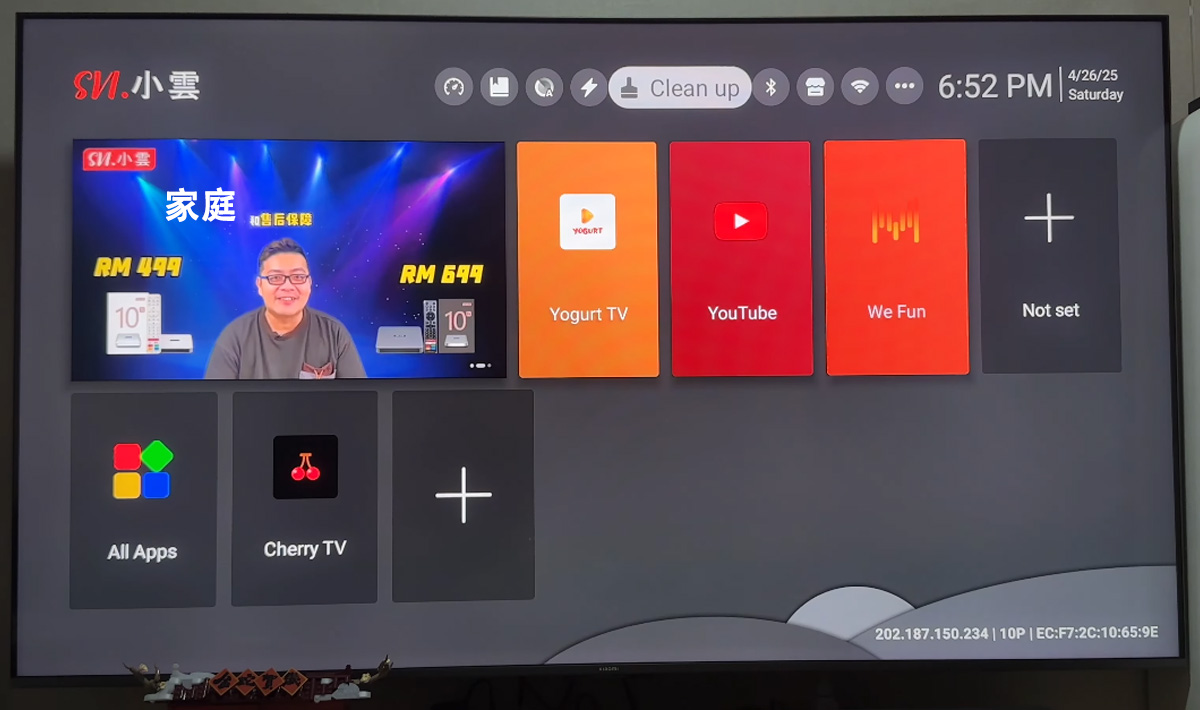
3. SviCloud 15P TV Box App Installation:
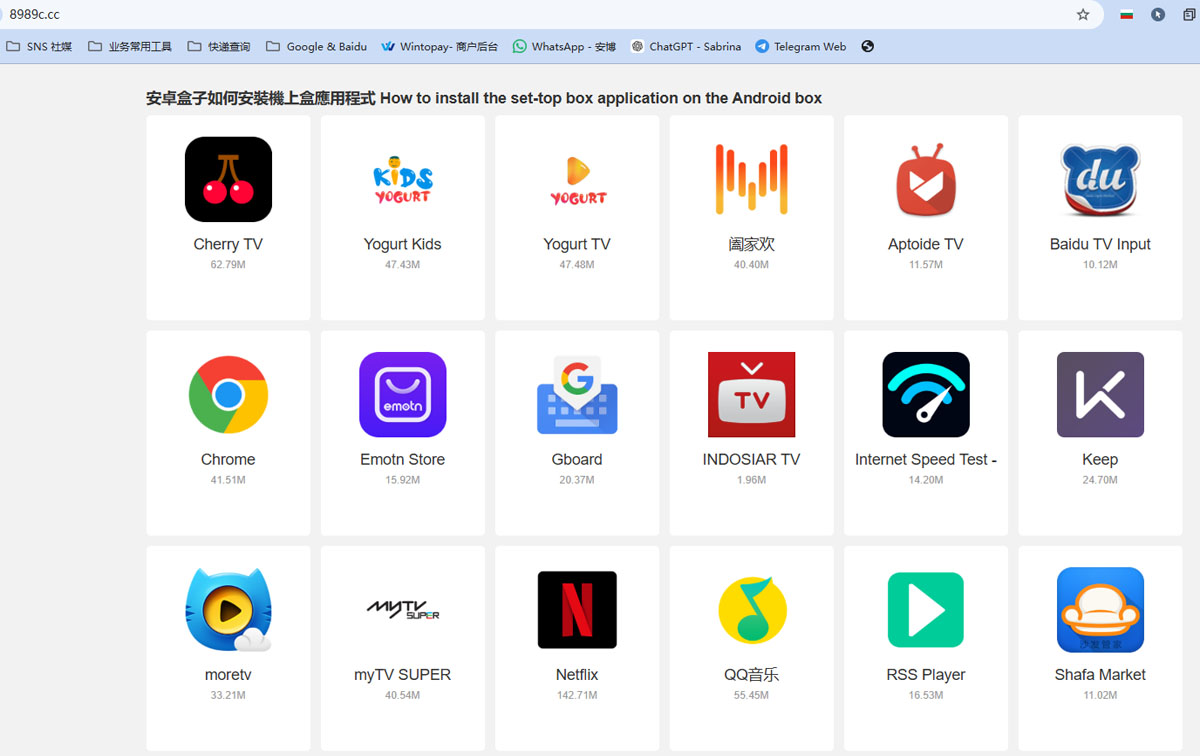
➡️Step 1: Open the Orz app on your TV box.
➡️Step 2: Enter "8989c.cc" in the Orz app.
➡️Step 3: Download the following apps:
✅Yogurt TV (For TV viewing)
✅WeFun (For Karaoke)
❤️Cherry TV (For 18+ adult content, Password: 898989)
4. DIGIBOX TV Box App Installation:
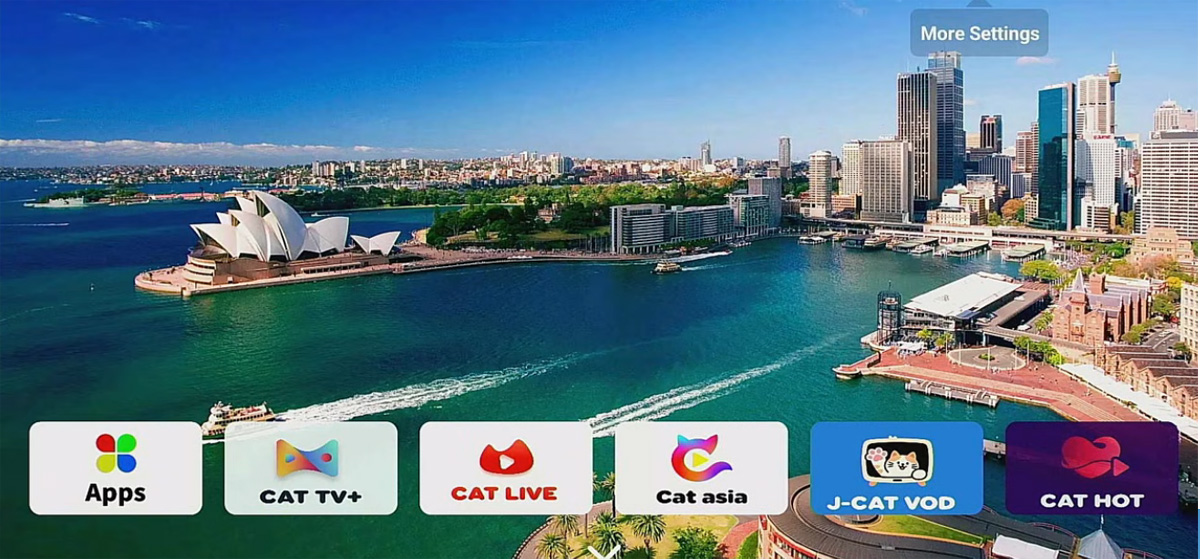
For D3 PLUS and D6 MAX models, follow these steps:
✅️Open the browser and enter "6988c.cc" to download apps.
❤️CAT HOT (18+ adult content, Password: 686868)
✅️CAT BACK
✅️CAT VOD
✅️Koala TV
✅️CAT TV
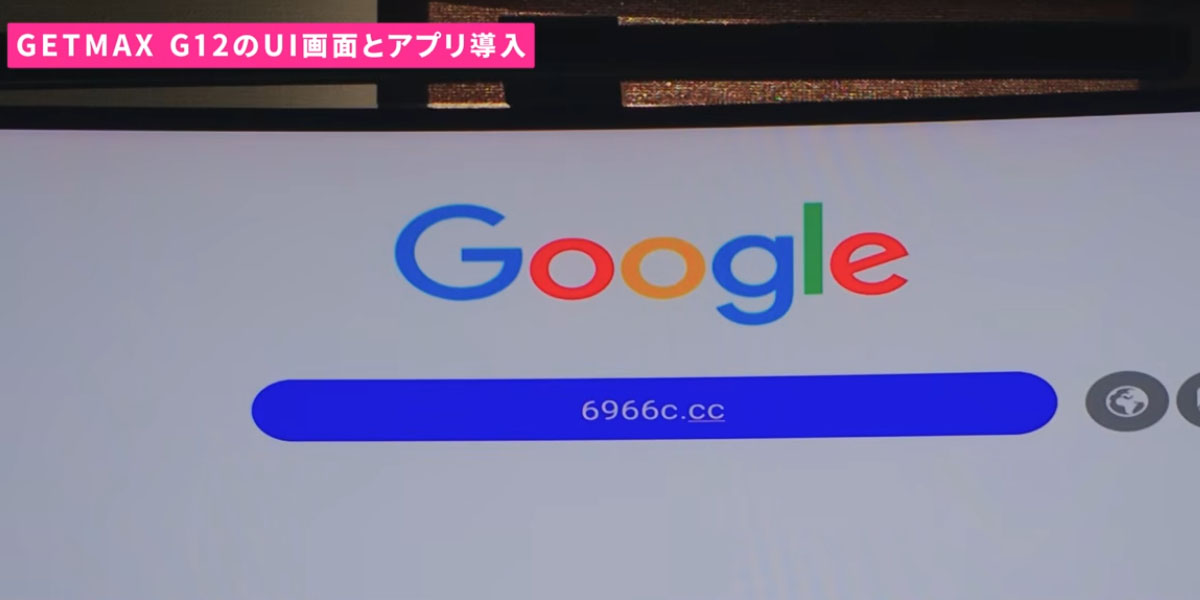
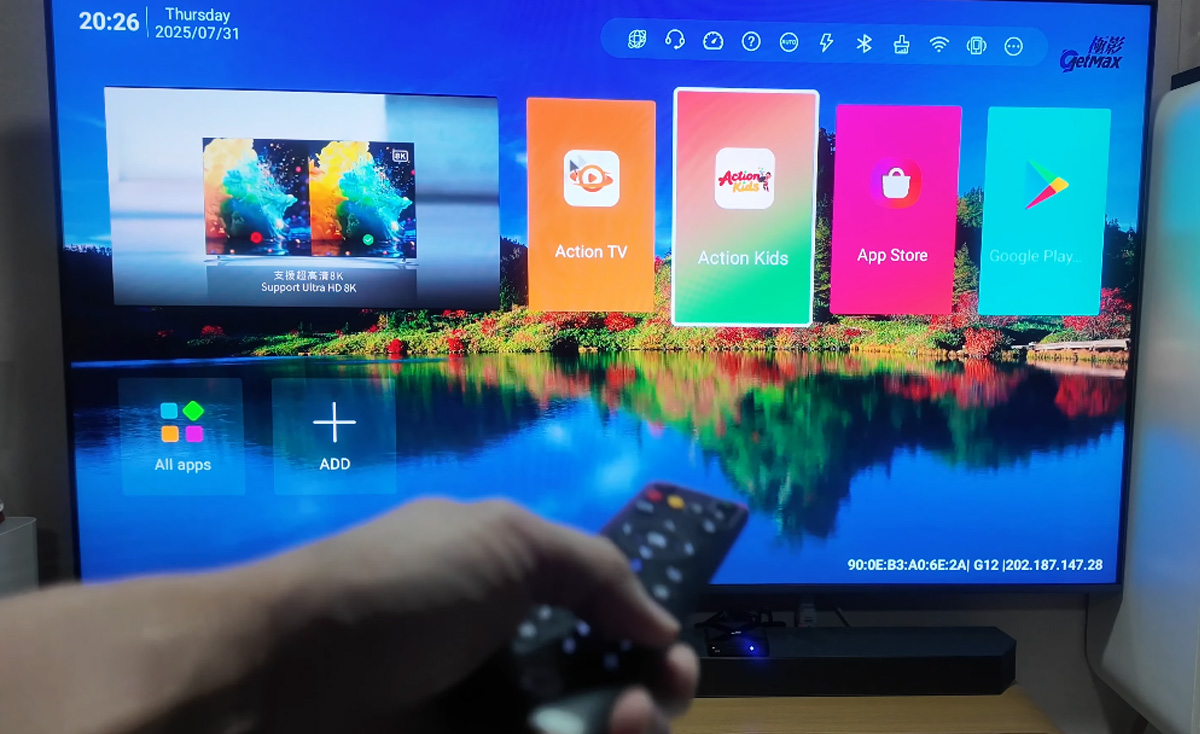
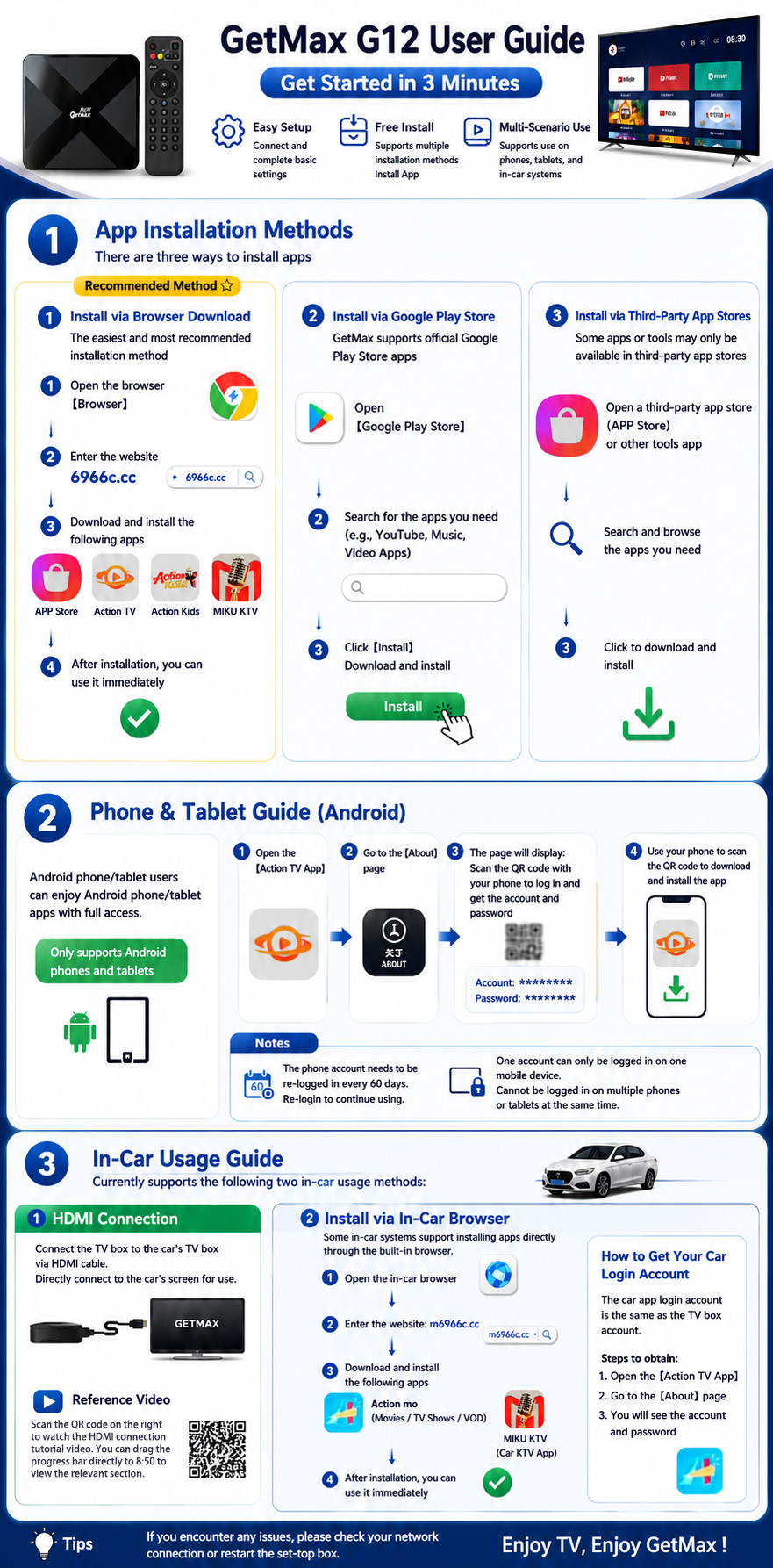
5. GetMax TV Box App Installation:
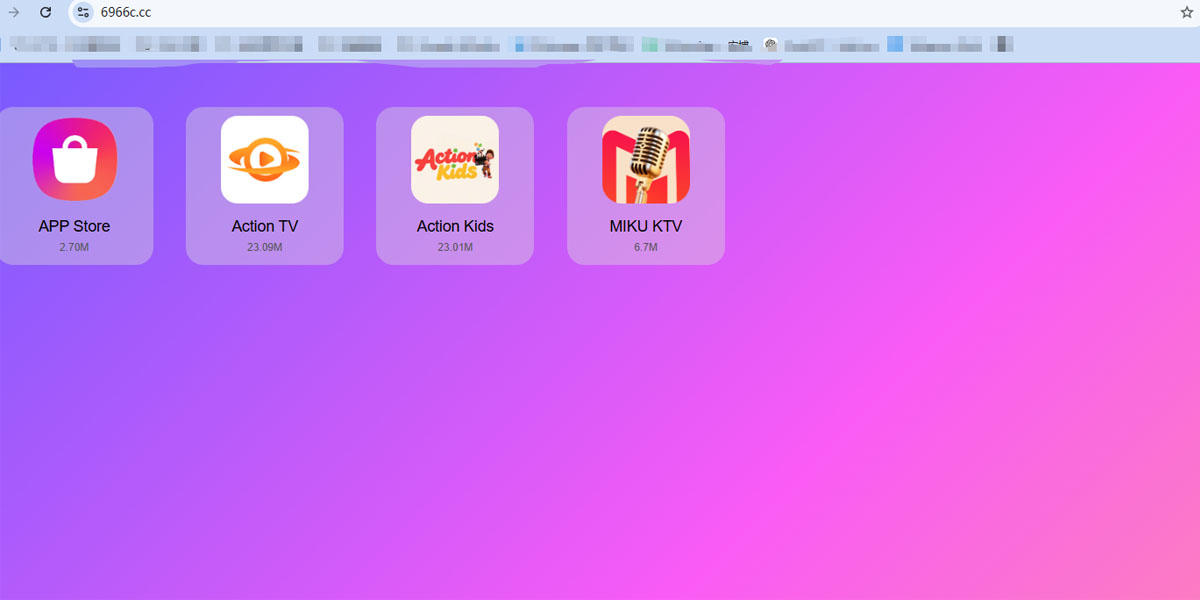
✅️Open the browser and enter "6966c.cc" to download apps.
✅️APP Store
✅️Action TV (20000+ Live TV channels)
✅️Action Kids
✅️MIKU KTV
App Update Instructions
╰┈➤Wait for your system to automatically prompt you for software updates.
Manual App Updates:
➤ If no automatic update prompt appears, uninstall the old version of the app first.
➤ Visit the App Store to download and install the latest version.
Android TV Box System Update
To ensure your Android TV Box is running optimally, check for system updates:
➤ Wait for the system to prompt you for updates automatically. This ensures your device is up-to-date with the latest features and security patches.
⚠️Important Reminder:
Legal Compliance:
➤ Please remember that Smart TV Box does not support or promote any illegal content or applications. Always verify that the apps you download are in compliance with your local laws.
➤ We recommend only downloading applications from trusted sources to protect your device from malware or other security threats.
If you encounter any issues during the installation or update process, or if you have any questions regarding the apps or your Smart TV Box, feel free to contact us for support. We're here to help you enjoy the best streaming experience possible!
Contact Us
If you have any questions about choosing the right Smart TV Box for your needs, feel free to contact us. We are happy to offer expert advice and guidance.
✉️Email: sales@smarttvbox.com
☎️WhatsApp / Wechat: +852-94614088
Thank you for choosing Smart TV Box! Enjoy your entertainment!


