 USD
USD EUR
EUR GBP
GBP CAD
CAD AUD
AUD HKD
HKD JPY
JPY KRW
KRW SGD
SGD NZD
NZD THB
THB TWD
TWD 繁體中文
繁體中文 日本語
日本語 한국어
한국어 English
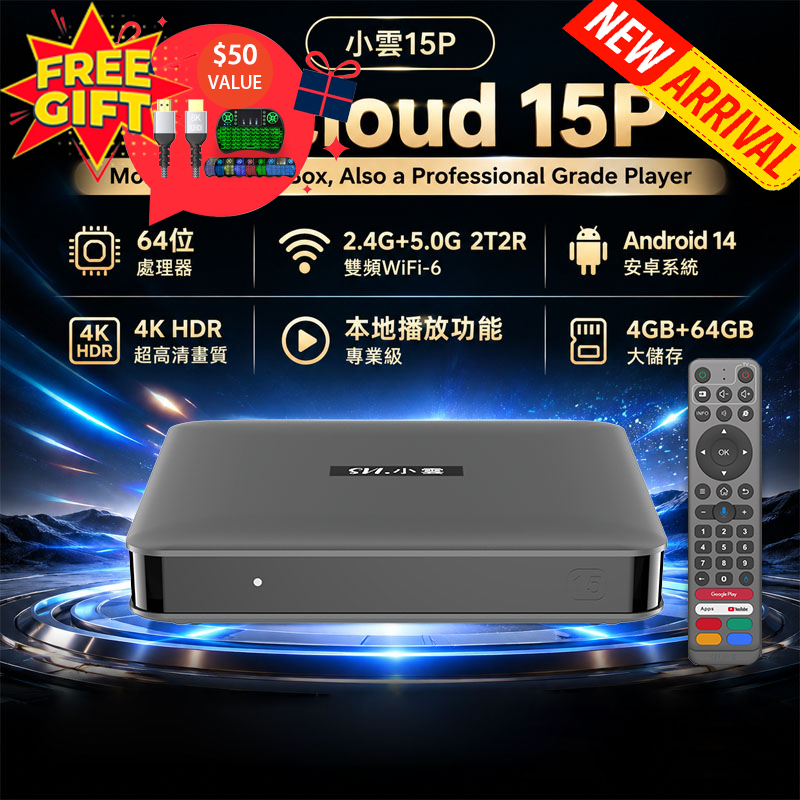


What's the Best Android TV Box for Streaming Without Cable in 2026?

In 2026, more households across the United States are cutting the cord and moving away from traditional cable TV. With monthly bills often exceeding $100, users are actively searching for smarter, more flexible, and cost-effective entertainment solutions. One of the most popular alternatives today is the Android TV box—a compact yet powerful device that transforms how you watch TV.
This guide will walk you through what an Android TV box is, how it works, why it’s gaining popularity, and whether it’s the right choice for your home entertainment setup.
What is an Android TV Box?
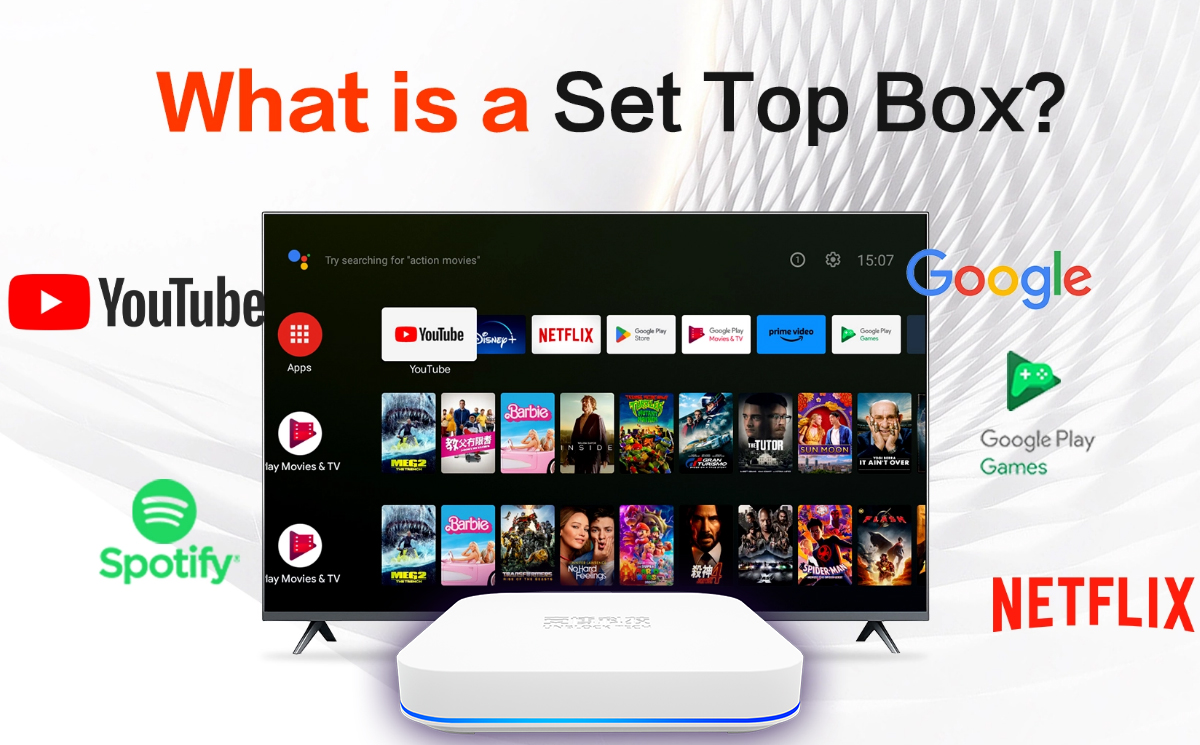
An Android TV box is a small media streaming device powered by the Android operating system (similar to Android smartphones). It connects to your television via HDMI and allows you to access internet-based content directly on your TV.
Once connected, your TV essentially becomes a smart entertainment hub. You can install apps, stream movies, watch live TV, and even browse the internet—all from one device.
Most modern Android TV boxes support:
- 4K or even 8K Ultra HD streaming
- WiFi and Ethernet connectivity
- App downloads via Google Play Store
- Voice control and remote navigation
This makes them a powerful upgrade for both older TVs and even newer smart TVs with limited functionality.
Why People in the US Are Switching to Android TV Boxes
The shift away from cable TV is not just a trend—it’s a major change in how people consume media. Here are the key reasons why Android TV boxes are becoming so popular in 2026:
1. No Expensive Cable Bills
Cable subscriptions can cost hundreds of dollars per month. Android TV boxes eliminate or significantly reduce these recurring fees.
2. No Mandatory Monthly Subscriptions
Unlike traditional streaming services, many TV box solutions allow access to content without requiring ongoing payments.
3. Access to Global Content
Users can watch international channels, including Asian dramas, European sports, and global news—all from one device.
4. All-in-One Entertainment
From live sports and movies to TV shows and on-demand content, everything is centralized in a single platform.
5. Easy Setup and Use
Most Android TV boxes are plug-and-play, making them accessible even for non-technical users.

How to Set Up an Android TV Box
Setting up a TV box is simple and usually takes less than 10 minutes. Here’s a step-by-step guide:
- Connect the HDMI Cable
Plug the TV box into your television using an HDMI cable. - Power On the Device
Connect the power adapter and turn on your TV. - Connect to WiFi or Ethernet
Choose your network and enter the password. - Install Apps or Update System
Download your preferred streaming apps or update the system if needed. - Start Streaming
You’re ready to watch movies, live TV, or sports instantly.

Android TV Box vs Cable TV
Here’s a quick comparison to help you understand the difference:
| Feature | Cable TV | Android TV Box |
|---|---|---|
| Monthly Fee | High ($100+) | None or Low |
| Content Variety | Limited | Global & On-Demand |
| Setup | Complex | Simple |
| Flexibility | Low | High |
| Device Control | Fixed Channels | Apps & Customization |
Clearly, Android TV boxes offer more flexibility and better value for modern viewers.
Key Features to Look for in 2026
If you’re planning to buy an Android TV box, consider the following features:
- Processor Performance: Ensures smooth streaming without lag
- Storage Capacity: For apps and media downloads
- Video Quality: 4K or 8K support for high-definition viewing
- Connectivity: Dual-band WiFi and Bluetooth support
- User Interface: Clean, intuitive navigation
Choosing the right model will significantly enhance your viewing experience.
FAQ
Q1: Do I need a subscription for an Android TV box?
No, most Android TV boxes do not require mandatory monthly fees.
Q2: Is it difficult to use?
Not at all. Most devices are designed to be user-friendly, with simple interfaces and easy navigation.
Q3: Can I watch live sports and movies?
Yes. Android TV boxes are widely used for streaming sports events, movies, and live TV channels.
Q4: Is it legal to use an Android TV box in the US?
Yes, Android TV boxes themselves are legal. However, users should ensure they access content through legitimate apps and services.
As cable TV continues to become more expensive and restrictive, Android TV boxes( Unblock Tech UBox12, EVPAD 12P, SviCloud 10P, DIGIBox D6 Max, and GetMax G12 )are emerging as one of the best alternatives in 2026. They offer unmatched flexibility, global content access, and a one-time investment without the burden of monthly bills.
Whether you’re looking to stream movies, watch live sports, or explore international channels, an Android TV box provides a modern, efficient, and cost-effective solution for home entertainment.
If you're ready to upgrade your viewing experience, now is the perfect time to make the switch.


