 USD
USD EUR
EUR GBP
GBP CAD
CAD AUD
AUD HKD
HKD JPY
JPY KRW
KRW SGD
SGD NZD
NZD THB
THB TWD
TWD 繁體中文
繁體中文 日本語
日本語 한국어
한국어 English
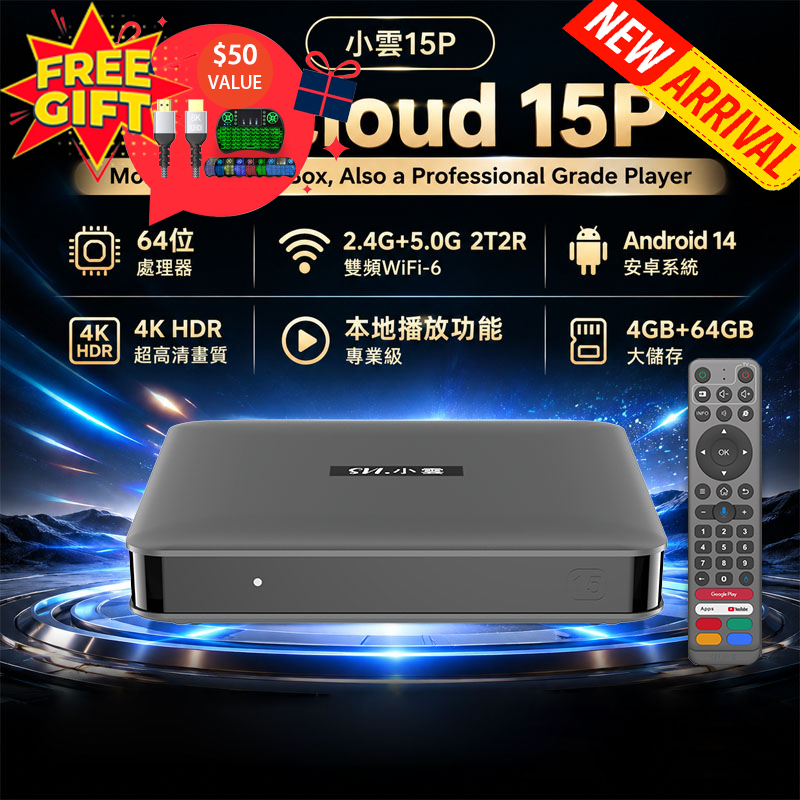


What Is an Android TV Box? Complete Guide to Smart TV Box, Features, Uses & Benefits in 2026!
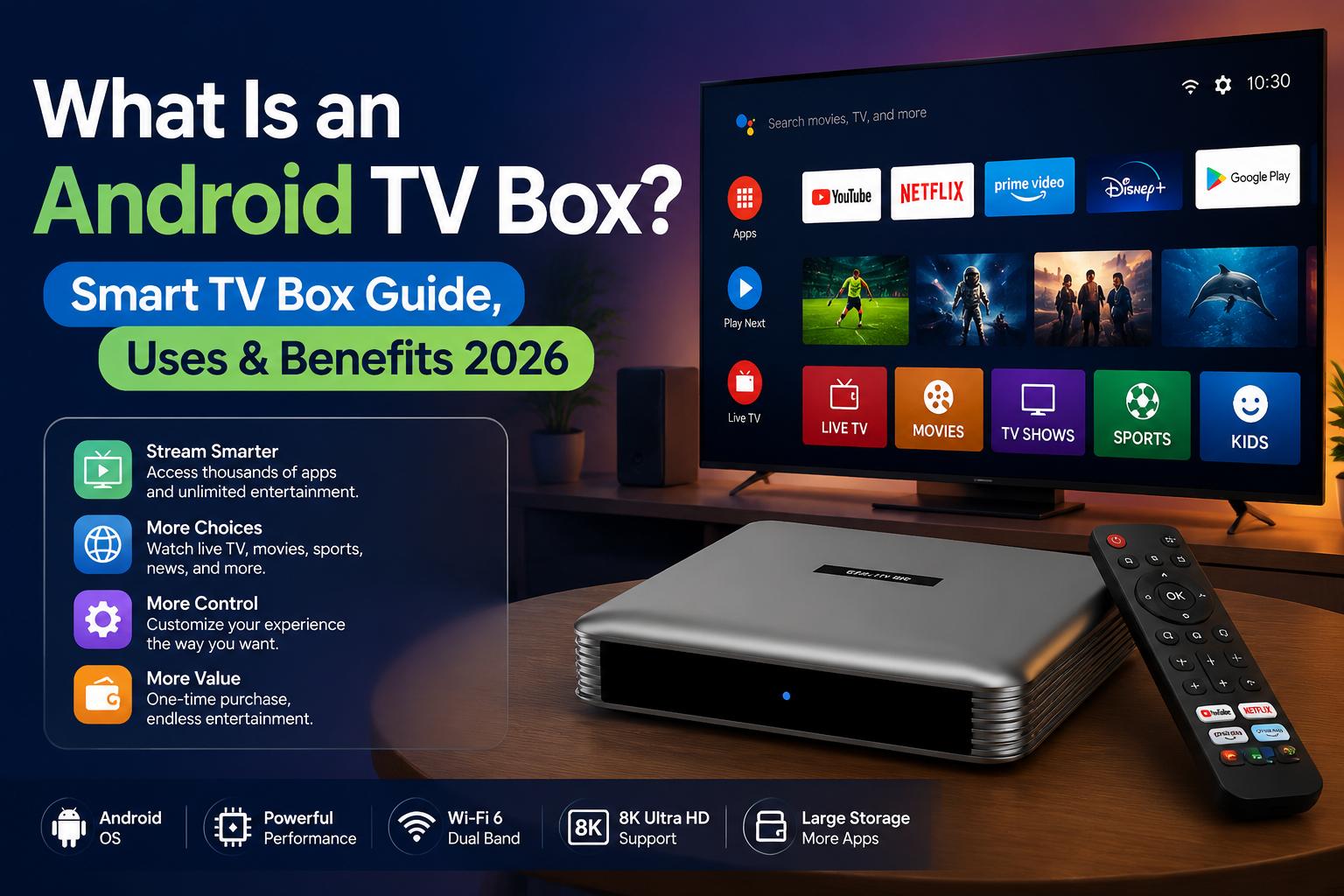
With the rapid development of streaming technology, more people are looking for affordable ways to upgrade their home entertainment systems. Many users are asking: What is an Android TV Box? What is a smart box for TV? Is it better than a Smart TV? Does a TV box need internet?
An Android TV Box is one of the easiest solutions to transform any television into a smarter entertainment center. Whether you want to watch movies, live sports, international TV channels, streaming apps, or online content, an Android TV Box provides more flexibility and control than many built-in Smart TVs.
In this guide, we will explain what a TV Box is used for, how to use a smart TV box, how to connect a TV box to an old TV, and why many users choose an Android TV Box over a Smart TV.
What Is an Android TV Box?
An Android TV Box is a small external streaming device that connects to your television through an HDMI port. It runs on the Android operating system and allows users to access entertainment apps, online services, and digital content through a simple interface.
Unlike a traditional TV, an Android TV Box adds smart features without requiring you to purchase a new television. By connecting an Android TV Box to your existing TV, you can enjoy features normally found on modern Smart TVs.
An Android TV Box usually includes:
➡️HDMI connection
➡️WiFi or Ethernet connectivity
➡️App installation support
➡️Internal storage for apps and media
➡️Remote control operation
➡️Support for video streaming and online entertainment
Because the device is separate from the television, users can upgrade their entertainment system anytime without replacing the entire TV.
What Is a Smart Box for TV?
A smart box for TV is another common name for a TV Box or streaming box. It is designed to add smart functions to regular televisions.
Many people purchase a smart box because their existing TV still works perfectly but lacks modern streaming features.
With a smart box for TV, you can:
➡️Watch online movies and TV shows➡️Access streaming platforms
➡️Install entertainment apps
➡️Watch live TV channels
➡️Enjoy sports events
➡️Browse online content
➡️Play media files from external storage
Instead of buying a new Smart TV, a smart TV box provides an affordable upgrade option.
What Is a TV Box Used For?
So, what is a TV Box used for? An Android TV Box is mainly used to expand your television’s entertainment capabilities. It gives users access to more content and more customization options.
1. Streaming Movies and TV Shows
One of the biggest reasons people buy Android TV Boxes is for streaming entertainment. Users can access thousands of movies, TV series, documentaries, and online videos through compatible applications.
2. Watching Live TV Channels
Many advanced TV Boxes are designed for users who want access to global television content, including:
- International channels
- News channels
- Sports channels
- Entertainment channels
- Family and kids channels
Some smart TV boxes are marketed as solutions for users looking for a Smart TV box with all channels free or global live TV access. Availability depends on the service provider and regional restrictions.
3. Watching Sports Online
Sports fans often choose Android TV Boxes because they provide a convenient way to enjoy live sporting events on a big screen.
Users can follow:
- Football
- Basketball
- Baseball
- International sports events
- Live competitions
A TV Box can become a complete home entertainment hub for sports lovers.
4. Playing Apps and Games
Because Android TV Boxes use the Android system, many apps can be installed depending on compatibility.
Users can enjoy:
- Games
- Music apps
- Media players
- Educational apps
- Social media applications
Does TV Box Need Internet?
A common question is: Does TV box need internet?
The answer is usually yes. Most Android TV Boxes require an internet connection to access online content.
A TV Box can connect to the internet through:
WiFi Connection
A Smart Box for TV with WiFi is the most popular option because it allows easy wireless setup.
Benefits of WiFi:
- Simple installation
- No extra cables
- Flexible placement
- Suitable for most homes
Ethernet Cable
Some users prefer wired internet because it can provide:
- More stable connection
- Faster data transfer
- Better performance for high-quality streaming
Without internet access, many online features such as streaming apps, live channels, and cloud services may not work. However, some TV Boxes can still play local videos, photos, and files stored on USB devices.
How To Use Smart TV Box?
Many users think setting up a TV Box is complicated, but the process is actually simple.
Step 1: Connect The TV Box To Your TV
Connect the Android TV Box to your television using an HDMI cable.
Step 2: Connect Power
Plug the TV Box power adapter into an electrical outlet.
Step 3: Select HDMI Input
Turn on your TV and select the correct HDMI input source.
Step 4: Connect Internet
Connect the TV Box to WiFi or Ethernet.
Step 5: Install Apps And Customize
After setup, you can download compatible apps, adjust settings, and personalize your entertainment experience.
Learning how to use smart TV box usually takes only a few minutes, even for beginners.
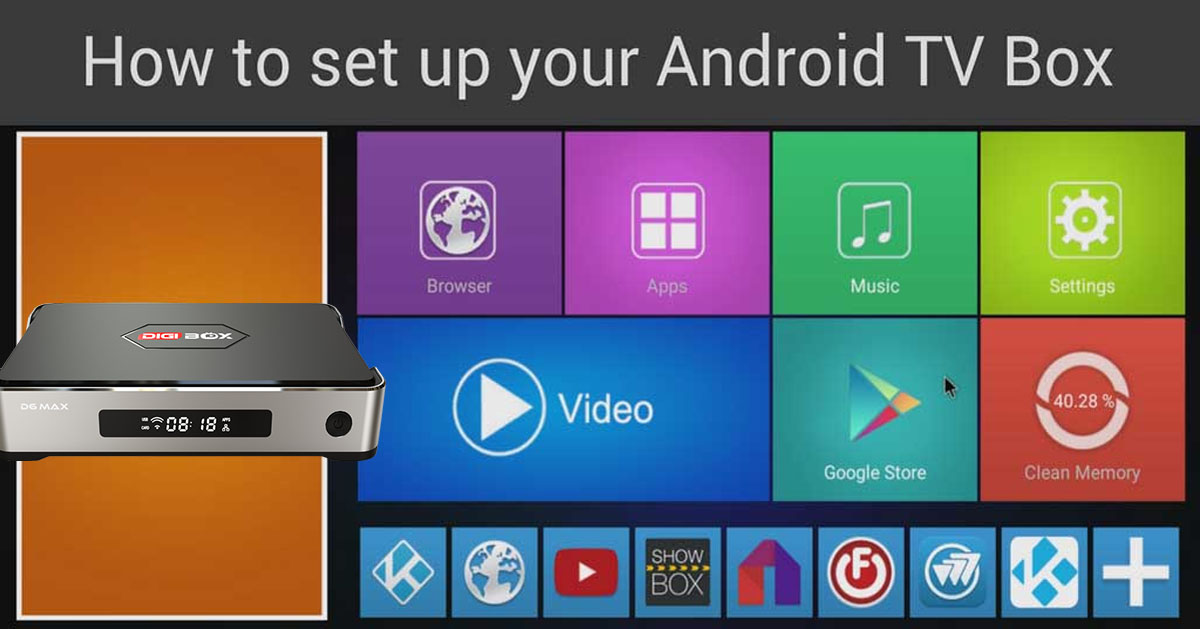
How To Connect TV Box To Old TV?
Many people ask: How to connect TV box to old TV?
The answer depends on the type of ports available on your television.
Old TV With HDMI Port
If your older TV has an HDMI port:
- Connect the HDMI cable from the TV Box to the TV.
- Select HDMI input.
- Connect internet and power.
This is the easiest method.
Very Old TV Without HDMI
For older televisions without HDMI, you may need an HDMI converter or AV adapter. However, performance and picture quality may vary.
Before purchasing a TV Box, check your TV connection options to ensure compatibility.
What Is A Smart TV?
A Smart TV is a television with built-in software that allows users to access online services without connecting an external device.
Most Smart TVs include popular apps such as:
- YouTube
- Netflix
- Web browsers
- Streaming services
Smart TVs are convenient because everything is integrated into one device. However, the built-in hardware and software are controlled by the TV manufacturer.
Over time, users may experience:
- Slower system performance
- Limited app availability
- Fewer software updates
- Hardware limitations
Android TV Box vs Smart TV: Which One Is Better?
When comparing an Android TV Box vs Smart TV, the biggest difference is flexibility.
Smart TV
Advantages:
✓ Simple setup
✓ Built-in design
✓ No extra device required
Disadvantages:
✗ Limited upgrades
✗ Hardware cannot easily be changed
✗ App support depends on manufacturer
Android TV Box
Advantages:
✓ Works with existing TVs
✓ More app options
✓ Upgradeable device
✓ More storage choices
✓ Flexible settings
✓ Affordable alternative to buying a new TV
Disadvantages:
✗ Requires additional device
✗ Needs HDMI connection
Why Choose An Android TV Box Over A Smart TV?
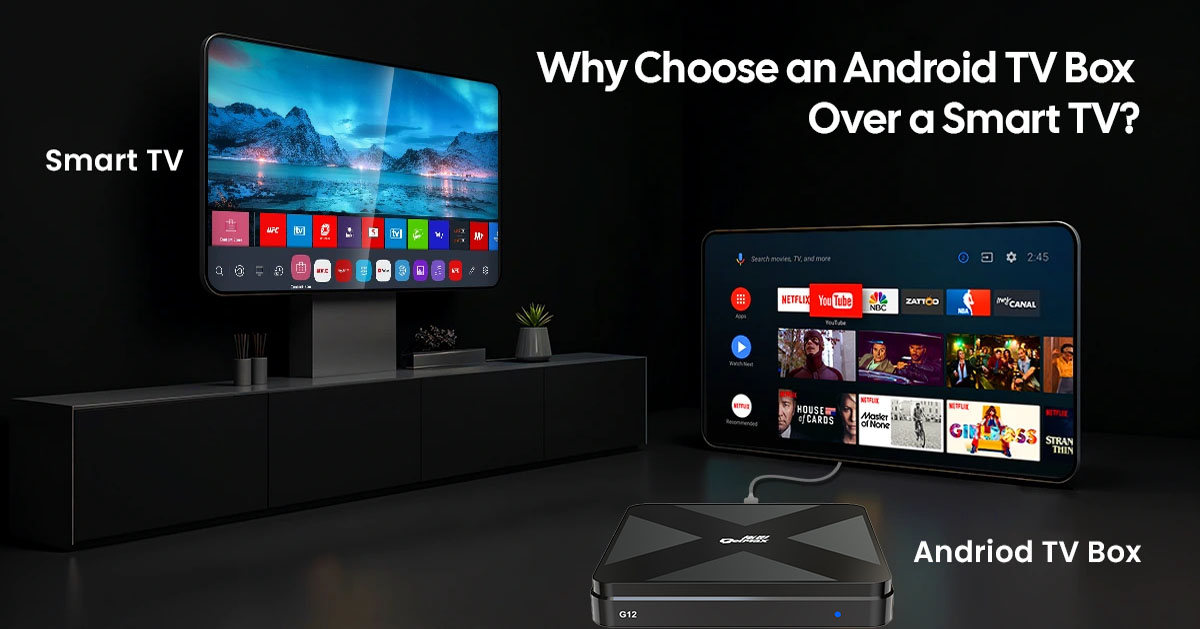
Many users choose an Android TV Box because it offers better flexibility and longer-term value.
A Smart TV may become outdated when the manufacturer stops providing updates. An Android TV Box can be replaced or upgraded while keeping the same television.
With an Android TV Box, you get:
More Entertainment Options
Install more applications and access more content.
Lower Cost
Upgrade your existing TV instead of buying a new Smart TV.
Better Control
Manage storage, apps, settings, and system preferences.
Easy Upgrade
When technology improves, simply replace the TV Box instead of replacing the entire television.
Is An Android TV Box Worth Buying?
For users who want more entertainment choices, an Android TV Box is an excellent upgrade solution.
It can turn a regular TV into a powerful smart entertainment system while providing more flexibility than many built-in Smart TVs.
Whether you want to watch movies, enjoy live sports, explore international channels, or upgrade an old television, a smart TV box provides an affordable and convenient solution.
At SmartTVBox.com, we provide high-quality Android TV Box solutions designed for global users who want smarter, more flexible home entertainment.
Upgrade your TV experience today with a powerful Android TV Box.


