 USD
USD EUR
EUR GBP
GBP CAD
CAD AUD
AUD HKD
HKD JPY
JPY KRW
KRW SGD
SGD NZD
NZD THB
THB TWD
TWD 繁體中文
繁體中文 日本語
日本語 한국어
한국어 English
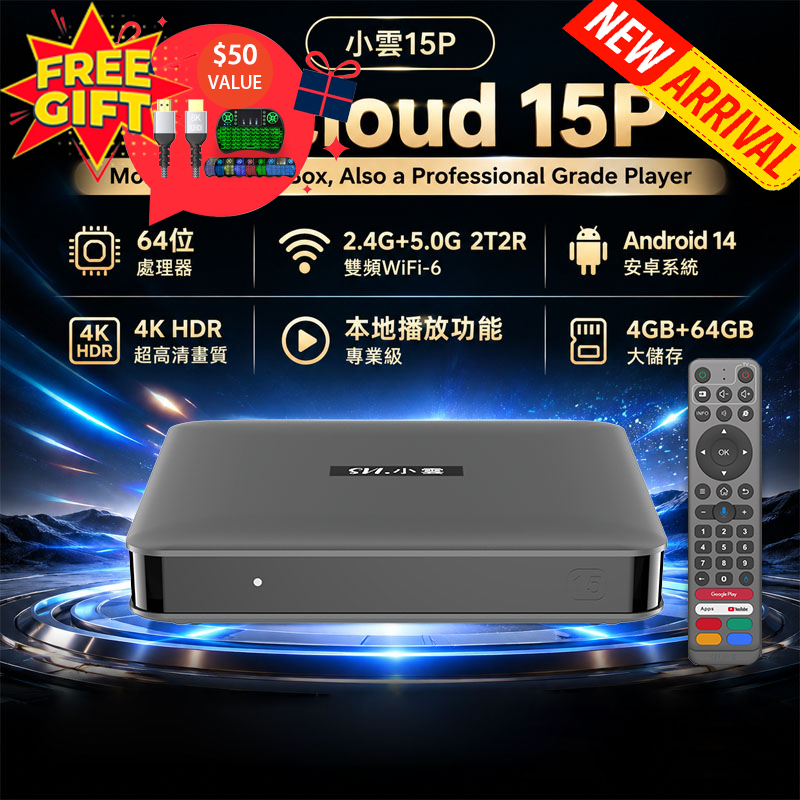


Unblock Tech Ubox12 vs Digibox D6 Max: Ultimate TV Box Comparison!

If you thought the Unblock Tech Ubox12 and Digibox D6 Max were similar, think again. While both are premium Android TV boxes offering global live TV, movies, and anime, the differences between them are significant. In this review, we’ll dive deep into their features, performance, and user experience to help you choose the right device.
Price and Positioning
➡️Unblock Tech Ubox12: Around USD268 It gained attention for providing free access to international live TV, movies, and anime. Its all-white design is sleek but feels slightly plastic.➡️Digibox D6 Max: Approximatel USD329 , making it $61 more expensive. While it doesn’t advertise as aggressively, it offers a comparable set of features through dedicated third-party apps.
Essentially, both devices provide access to thousands of live TV channels and VOD content, but their design, interface, and user experience vary considerably.
Design and Build Quality
Digibox D6 Max features a black-and-silver design with a premium appearance reminiscent of high-end audio equipment. The body is officially aluminum, but in practice, it has a slightly plastic feel. Compared to the Ubox12:
➡️Digibox D6 Max is larger and thicker.➡️The front display shows text information, unlike Ubox12’s blue LED ring.
➡️Digibox D6 Max exudes a luxury feel, whereas Ubox12 feels more “smart” and minimalistic but slightly cheap.
Ports and Expandability:
➡️Digibox D6 Max: SD card slot, 4 USB ports (2 front, 2 rear), audio out, LAN, optical digital audio, and USB-C for power.➡️Ubox12: Only 2 USB ports and no optical output.
Takeaway: D6 Max has far superior connectivity and versatility.
Remote Control and Usability
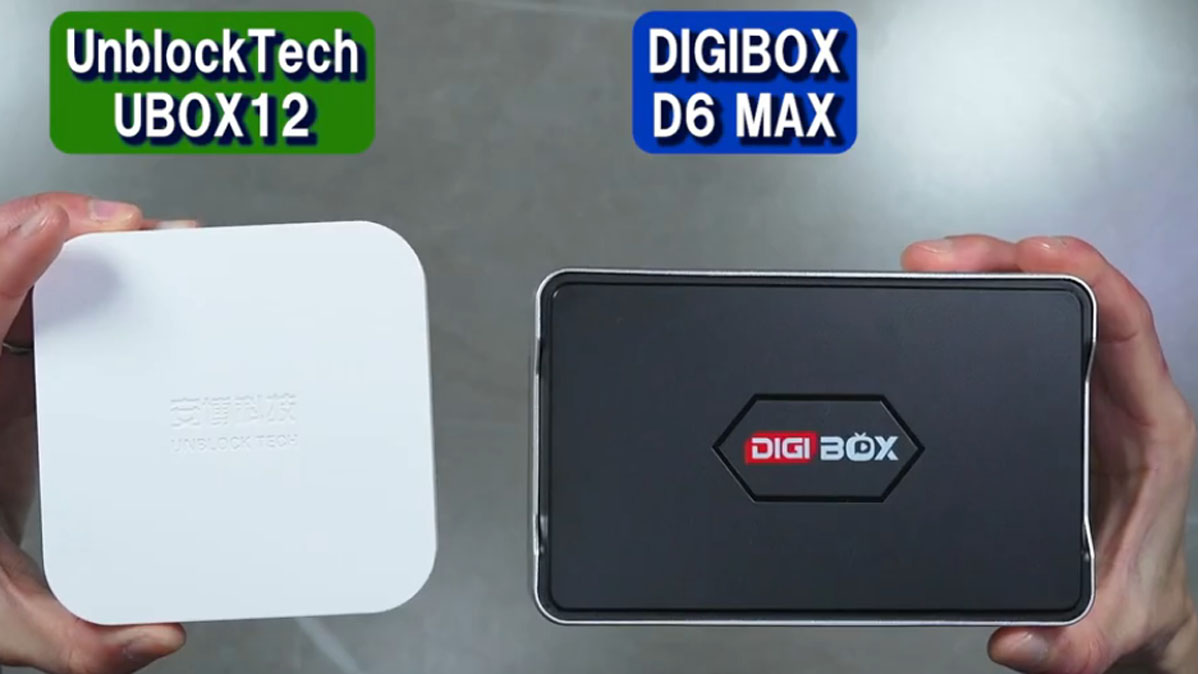
➡️Digibox D6 Max comes with a Bluetooth remote, responsive even when not directly aimed at the box. It also includes backlighting and can control TV power and volume (except input switching).
➡️Ubox12 uses an infrared and bluetooth remote. It also allows input switching directly on the TV, which D6 Max lacks.
Verdict: Digibox D6 Max delivers a more convenient, modern, and flexible experience.
Interface and Apps
Both boxes start with no pre-installed apps. Users install apps like YouTube, Netflix, or third-party streaming apps manually.
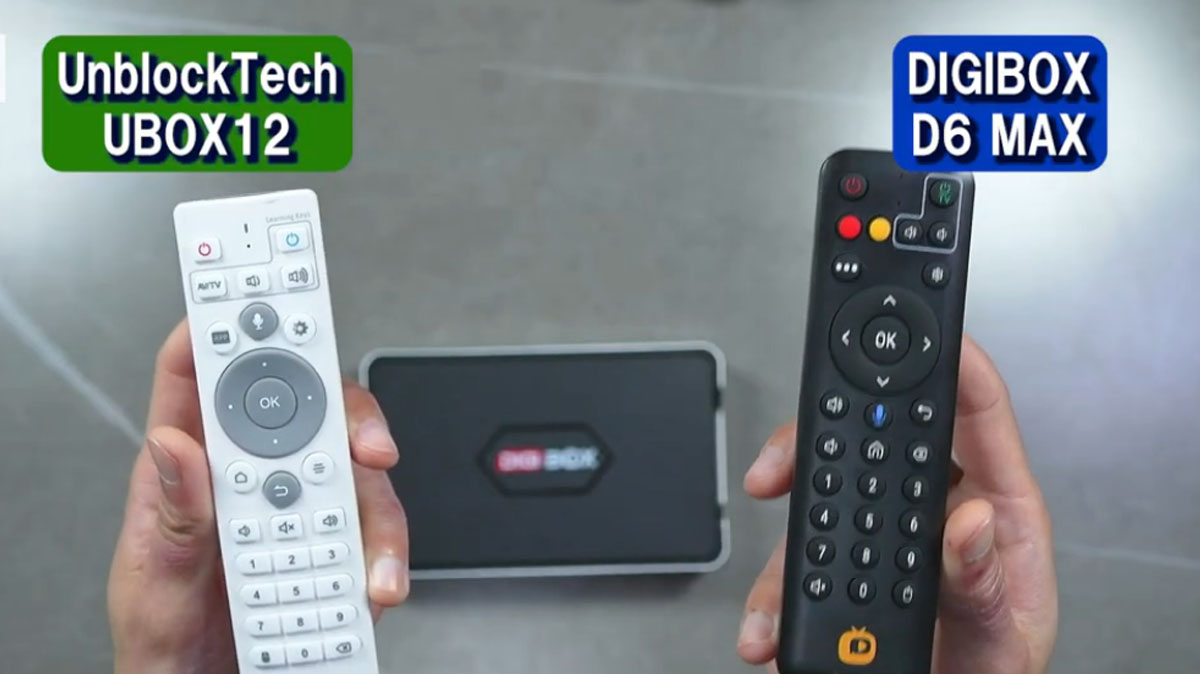
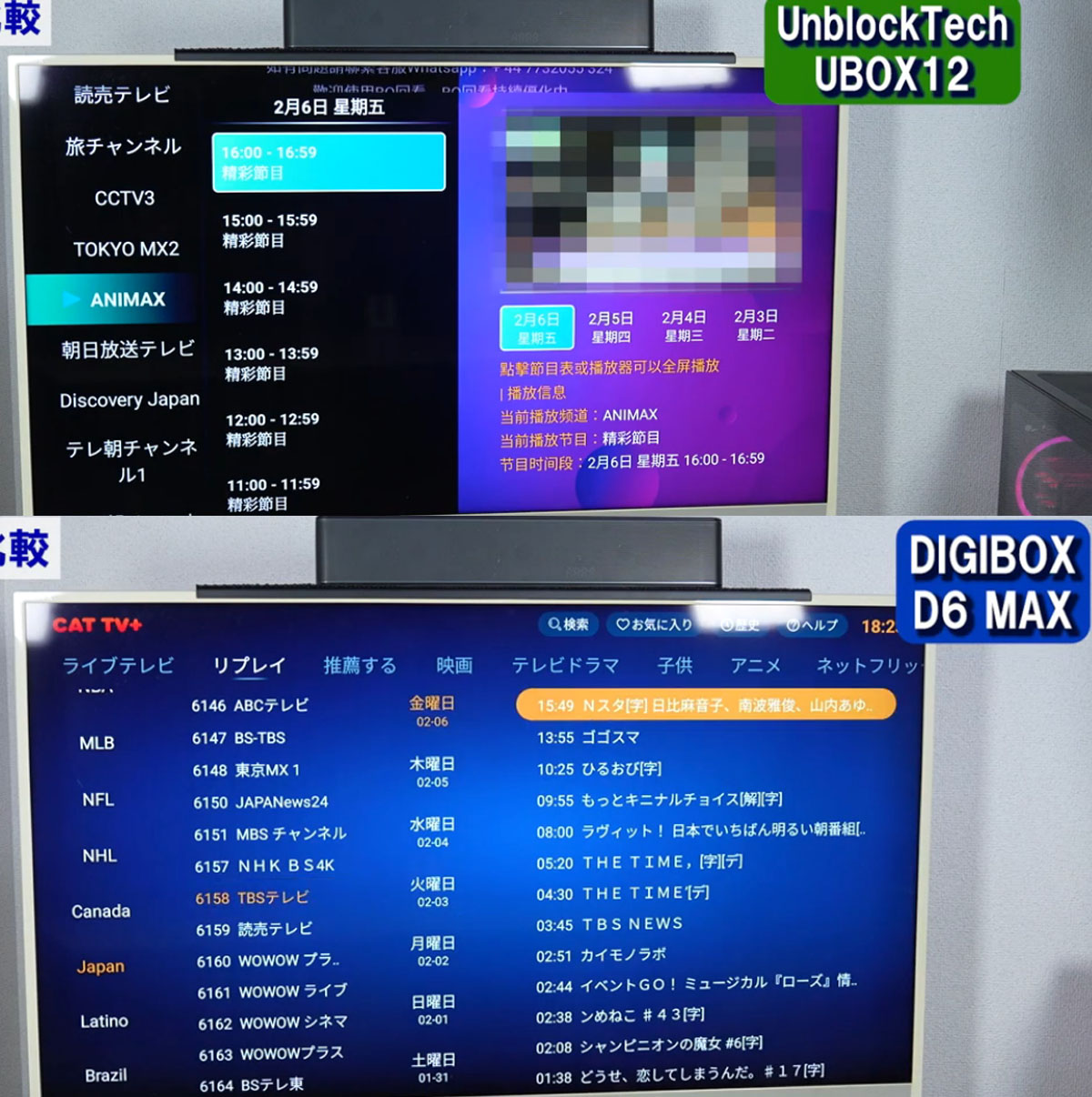
✅Ubox12 interface is flashy, pop-art-inspired, and slightly more cluttered.✅Digibox D6 Max is clean, simple, and stylish, with smooth and responsive performance and no lag.
Key Streaming Apps:
✅Digibox D6 Max relies on third-party apps like Cat Live, Cat Asia, and Cat Tele to stream live TV.✅Offers ~2,000 channels globally, including 75 dedicated Japanese channels.
✅Supports 7-day catch-up/replay on many channels.
✅Includes Kit TV Plus for thousands of movies, TV shows, and anime. Over 36,000 films and 7,600 TV shows, with Japan-focused content via JCATVOD (~4,000 films, 1,500 TV shows, 3,000 anime).
Note: Unlike Ubox12, D6 Max now supports English, Chinese,Japanese subtitles, essential for watching international content.
Mobile Experience
✅Digibox D6 Max supports a companion smartphone app, but favorites and watchlists do not sync across devices.
✅Ubox12 allows seamless synchronization of favorites and offers richer Japanese content, making it better for mobile viewing.
Adult Content
Both devices offer adult-oriented apps (like Cat Hot), secured with a default password “686868,” ensuring children cannot access them unintentionally.
✅Digibox D6 Max: ~100 adult channels, mostly overseas.✅Ubox12: Slightly more content for Japanese users.
Accessories and Extras
✅Digibox D6 Max includes an 8K HDMI cable, power adapter, and your choice of either a MagSafe-compatible phone stand or a 32GB USB drive (Type-A & Type-C).✅Ubox12 often comes with additional accessories like wireless keyboards.
Overall, both offer comparable accessory value, though D6 Max leans toward premium and convenience.
Performance and Viewing Experience
✅Both devices may show slightly grainy image quality compared to standard TV broadcasts, but it’s acceptable.✅Digibox D6 Max provides smooth playback without freezes or lag, making for a more enjoyable viewing experience.
✅Content navigation is easier on D6 Max, with proper Japanese labeling on all channels.
Who Should Buy Which?
ChooseDigibox D6 Max if you:
➡️Prioritize design and aesthetics
➡️Want smooth, lag-free navigation
➡️Prefer Bluetooth remote control and ease of setup
➡️Want a clean, minimalistic home entertainment setup
Choose Ubox12 if you:
➡️Seek a more economical, entry-level option
➡️Want richer Japanese content
➡️Value mobile app synchronization and convenience
➡️Don’t mind a slightly less premium build
Both Digibox D6 Max and Ubox12 have their strengths and weaknesses. While Digibox D6 Max impresses with design, connectivity, and smooth user experience, Ubox12 shines in content richness for Japanese users and mobile synchronization.
For users like me, who value comfort and seamless usage, Digibox D6 Max is the winner, even at a slightly higher price. Its ability to hide behind the TV, responsive Bluetooth remote, and smooth interface make it a stress-free viewing solution.
Remember, both devices rely on third-party apps for content, so always use them responsibly and be aware of potential risks.


