
 KRW
KRW USD
USD EUR
EUR GBP
GBP CAD
CAD AUD
AUD HKD
HKD JPY
JPY SGD
SGD NZD
NZD THB
THB TWD
TWD 繁體中文
繁體中文 日本語
日本語 한국어
한국어 English
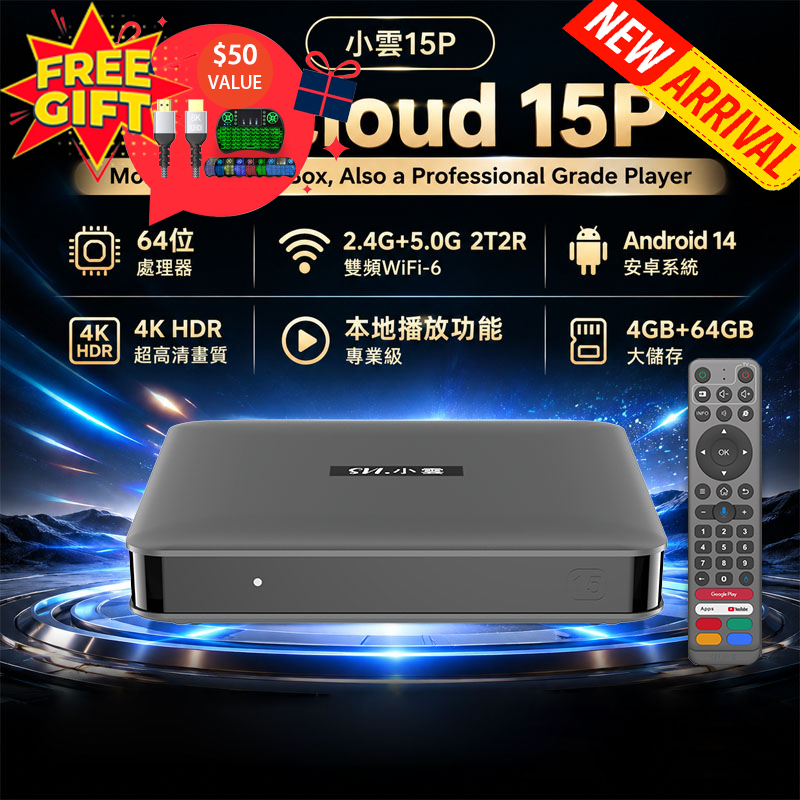


EVPAD 12P Setup Guide (2026 Edition): How to Download Live TV, Movies, and Replay Apps?

Just received your EVPAD 12P and don’t know how to install apps for live TV, movies, TV series, and replay content? This guide walks you through initial setup, app installation, and troubleshooting tips so you can enjoy your content in minutes.
EVPAD 12P Basic Setup
Step 1: Connect the Device
Connect EVPAD 12P to your TV via HDMI cable.

Step 2: Power On
Plug in the power adapter and turn on the device. Wait until the main menu appears.
Step 3: Connect to the Internet
You can use:
- Wi-Fi
- Ethernet cable (recommended for stable streaming)
Go to:
Settings → Network → Select your Wi-Fi → Enter password
How to Download EVPAD 12P Official Apps
EVPAD 12P runs Android and allows quick installation of official apps.
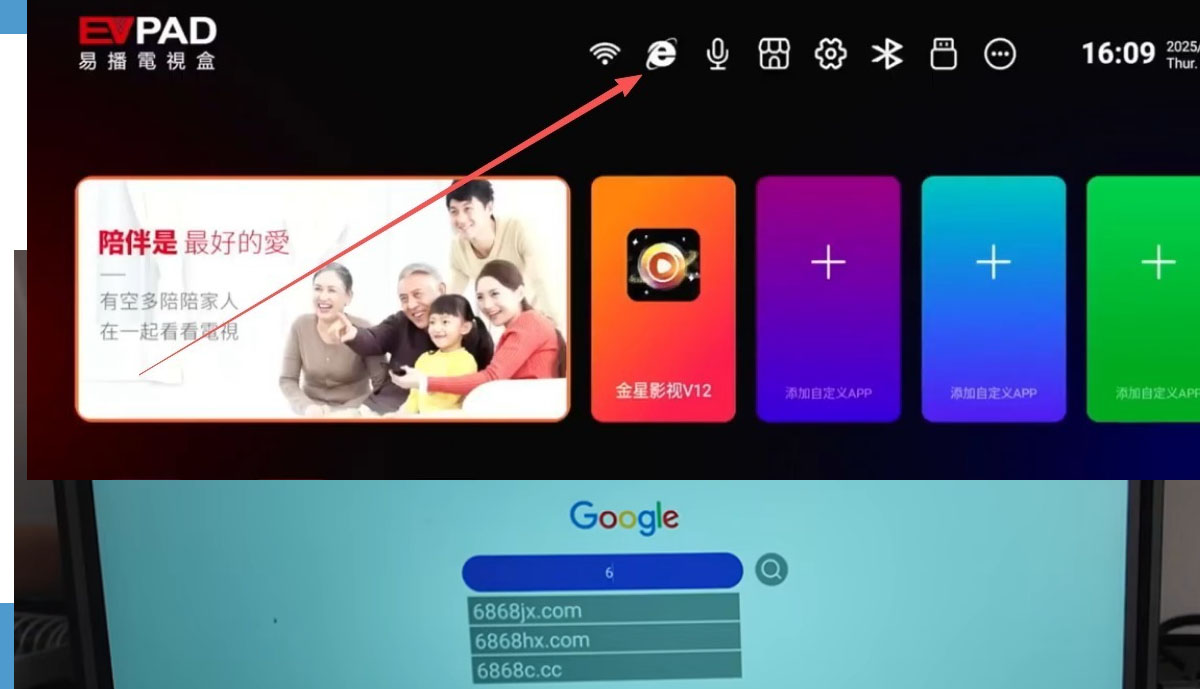
Method 1: Use App Orz
- Open App Orz on the main screen.
- Enter the URL in the search box:
6868jx.net
or  6868jx.shop
Must be entered inside App Orz, not a web browser.
- Select Jinxing Video v12 and download.
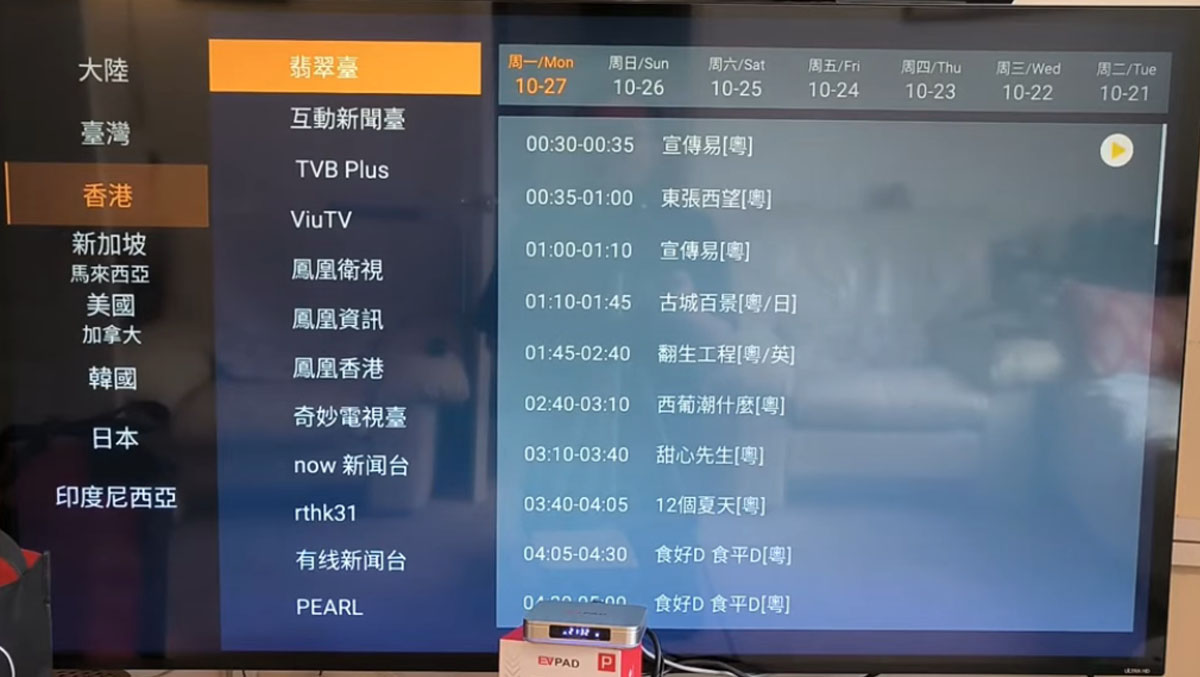
Jinxing Video App Features
✅ Global live channels
✅ Sports streaming
✅ Hong Kong, Macau, Taiwan channels
✅ News channels
✅ Movie section
✅ Popular TV dramas
✅ Variety shows
✅ 7-day replay
✅ Massive VOD content
Clean UI allows easy navigation to your favorite content.
FAQ
Q1: Does EVPAD 12P support 8K?
Yes, with a high-performance processor for smooth 8K playback.
Q2: Will live streaming lag?
Stable network (100Mbps+) with wired connection usually ensures smooth playback.
Q3: App crashes, what should I do?
Clear cache → Reinstall → Update system → Restart device.
Q4: How to speed up playback?
Use Ethernet → Close background apps → Clear cache → Update app.
Why Choose EVPAD 12P?
- Android Smart System
- High-performance hardware
- 4K/8K Ultra HD playback
- Global live channels
- Massive movies & TV dramas
- 7-day replay
- Easy operation
- Multi-language support


